Reference guides at a glance
| Guide | Price | Brand / publisher | Notes from listing |
|---|---|---|---|
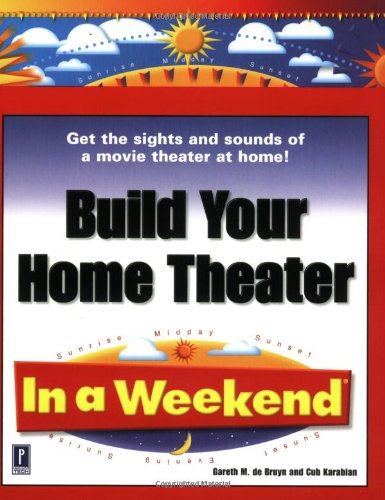
| Build Your Home Theater in a Weekend | Check price on Amazon | Not stated | Not stated |
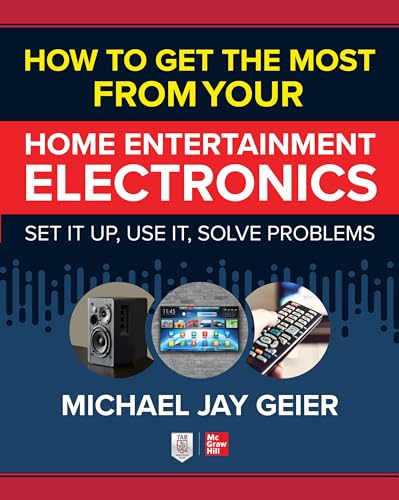
| How to Get the Most from Your Home Entertainment Electronics: Set It Up, Use It, Solve Problems | Check price on Amazon | McGraw-Hill Education | Not stated |
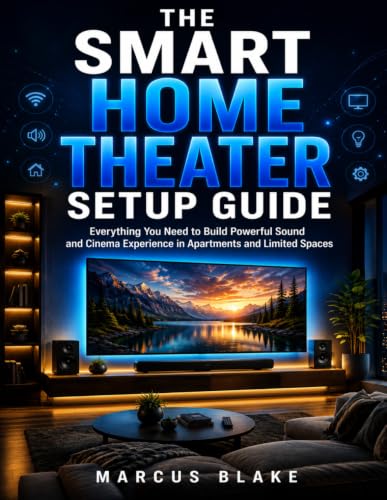
| THE SMART HOME THEATER SETUP GUIDE: Everything You Need to Build Powerful Sound and Cinema Experience in Apartments and Limited Spaces | Check price on Amazon | Not stated | Not stated |
| Use Your PC to Build an Incredible Home Theater System (Technology in Action) | Check price on Amazon | Not stated | Not stated |
| Build Your Own Home Theater | Check price on Amazon | Newnes | Used Book in Good Condition |
| THE ULTIMATE HOME THEATER SETUP: Definitive Guide to Designing Your 4K/8K Smart Theater with Immersive 3D Sound & Wireless Control | Check price on Amazon | Majosta | Not stated |
Quick answer: Build the room and the speaker layout first, then buy the electronics that serve them — an AV receiver with enough channels and HDMI inputs, five speakers plus a subwoofer as the baseline, and height channels only if your ceiling can take them. If you'd rather follow a structured plan than piece it together from forum threads, a print or Kindle build guide like Build Your Home Theater in a Weekend gives you a sequence to work through instead of a pile of opinions.
The order of operations that actually works
Most people build a home theater backwards: they buy a soundbar or a receiver on sale, then try to make the room fit it. Do it the other way.
1. Measure the room and pick the seating position. Your primary listening seat determines everything else. In a rectangular room, avoid pushing the couch flat against the back wall — you'll sit inside a bass null or a bass pile-up, and no amount of gear fixes that. Leave a few feet if you can.
The best how to build a home theater system for your situation depends on how you plan to use it and where.
2. Decide the channel count before you shop. 5.1 (front left, center, front right, two surrounds, one subwoofer) is the sane default and still the format most content is mixed for. 7.1 adds rear surrounds and only makes sense if your seats aren't against the back wall. Atmos layouts (5.1.2, 5.1.4) add height channels — either in-ceiling speakers or upward-firing modules that need a flat, reflective ceiling around eight to twelve feet. A vaulted or acoustic-tile ceiling kills upward-firing speakers, so check that before you spend.
3. Buy the receiver for connectivity, not watts. Count your sources — streaming box, console, disc player, PC — and add two spare HDMI inputs. Confirm the HDMI spec matches your display: 4K/120 and VRR need HDMI 2.1 on the specific ports you'll use, not just "on the receiver." Room correction (Audyssey, YPAO, Dirac) matters more to how the system ends up sounding than the last 20 watts per channel.
4. Match the front three speakers. Left, center, and right should be from the same family. A mismatched center is the single most common reason dialogue sounds like it's coming from a different movie than the score. Surrounds can differ; the front three should not.
5. Place the subwoofer by ear, not by convenience. The "subwoofer crawl" still works: put the sub on your listening seat, play bass-heavy content, crawl the room's perimeter, and put the sub where the bass sounded most even. Two smaller subs almost always beat one large one for evenness across multiple seats.
6. Run cable before you mount anything. 14-gauge for runs under 50 feet is fine, 12-gauge beyond that. Buy HDMI cables certified for the bandwidth you need, and if you're running in-wall, get CL2/CL3-rated cable — it's a code issue, not a snobbery issue.
7. Calibrate, then trust your ears. Run the auto-setup with the mic on a tripod at ear height at the main seat. Then check the crossover (80 Hz is the standard starting point for most bookshelf and small tower speakers) and the subwoofer level, which auto-calibration routinely sets lower than people actually want.
Build Your Home Theater in a Weekend — the general starting point
At $24.00, Build Your Home Theater in a Weekend is framed as a compressed, do-it-in-one-sitting project guide rather than an engineering text. That framing is the point: it's aimed at someone who wants a defined sequence and a finish line. The listing does not state page count, edition, or publication date, so check those on the product page before ordering — for anything touching HDMI standards and streaming hardware, publication date is the spec that matters most.
Who a build guide is for
- You're starting from zero and don't know what a crossover, a bass null, or a pre-out is.
- You want one coherent voice instead of reconciling forty conflicting forum posts.
- You're doing physical work — wall mounts, in-wall cable, a dedicated room — and want the sequence right the first time.
- You prefer reading offline, away from the device you're trying to configure.
Who should skip it
- You already own a receiver and just need to set speaker distances and levels. Your receiver's manual and its on-screen setup assistant will get you there faster.
- You're buying a soundbar. A one-box system doesn't need a build plan; it needs a good spot under the TV.
- You need current model recommendations. Books go out of date on hardware fast, and none of these listings state a publication date.
- You only want spec sheets. Manufacturer PDFs are free and more current than any print guide.
The honest trade-offs
Print and Kindle guides are strong on principles — room acoustics, layout geometry, gain structure, calibration logic — and weak on anything with a model number. HDMI revisions, streaming apps, and room-correction software all move faster than publishing schedules. Treat any guide as the framework and get your specific model and format details from current manufacturer documentation.
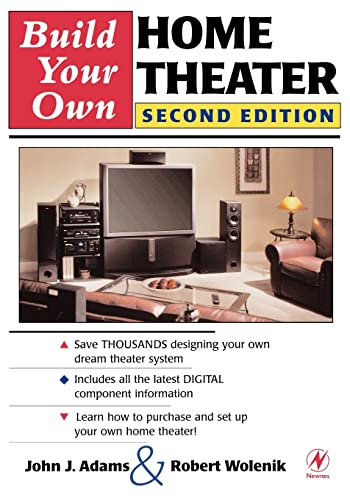
Price also isn't a proxy for depth here. Build Your Own Home Theater is the priciest at $50.95 and is listed in used condition, while several others sit under $20. Neither of those facts tells you which is more thorough — the listings don't state page counts or contents. Read the previews and the reader reviews on each product page yourself before choosing.
What to check on the listing before you buy
- Current price. Every figure here comes from the data available at writing and book pricing moves constantly. Confirm on the page.
- Format and edition. Kindle, paperback, and hardcover are often separate listings at different prices. Check which one your cart actually contains.
- Condition. Build Your Own Home Theater is listed as "Used Book in Good Condition" — fine for a reference text, worth knowing before it arrives.
- Publication date. Not stated on any of these listings. It's shown on the product page and it's the most important detail for tech content.
- Returns and seller. Third-party sellers can have different return windows than Amazon-fulfilled copies.
Alternatives worth a look
How to Get the Most from Your Home Entertainment Electronics: Set It Up, Use It, Solve Problems — consider instead if…
…your problem is less "what do I buy" and more "why won't this work." The title's own framing — set it up, use it, solve problems — points at troubleshooting and day-to-day operation rather than a from-scratch build. From McGraw-Hill Education at $27.81. See How to Get the Most from Your Home Entertainment Electronics: Set It Up, Use It, Solve Problems.
THE SMART HOME THEATER SETUP GUIDE: Everything You Need to Build Powerful Sound and Cinema Experience in Apartments and Limited Spaces — consider instead if…
…you're working in an apartment, a bedroom, or a room you can't drill into. Small rooms change the whole calculus: near-field seating, sealed subs over ported, and neighbor-friendly level management. At $19.99, THE SMART HOME THEATER SETUP GUIDE: Everything You Need to Build Powerful Sound and Cinema Experience in Apartments and Limited Spaces is explicitly scoped to limited spaces.
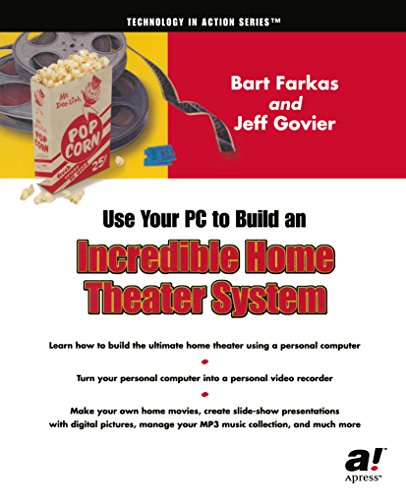
Use Your PC to Build an Incredible Home Theater System (Technology in Action) — consider instead if…
…your source is a computer. HTPC builds bring their own problems — audio passthrough, display scaling, remote control — that a speaker-and-receiver guide won't touch. At $14.74 it's the cheapest of the group: Use Your PC to Build an Incredible Home Theater System (Technology in Action).
Build Your Own Home Theater — consider instead if…
…you want something from a technical publisher and don't mind a used copy. Newnes is an engineering imprint, and this listing is $50.95 in used, good condition. Worth previewing the contents before committing at that price: Build Your Own Home Theater.
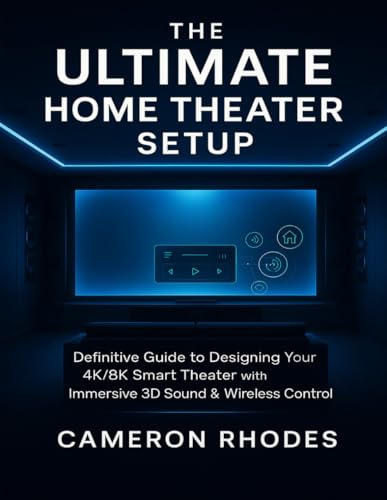
THE ULTIMATE HOME THEATER SETUP: Definitive Guide to Designing Your 4K/8K Smart Theater with Immersive 3D Sound & Wireless Control — consider instead if…
…you're planning around a 4K or 8K display, object-based surround, and smart-home control rather than a conventional 5.1 stack. From Majosta at $18.99: THE ULTIMATE HOME THEATER SETUP: Definitive Guide to Designing Your 4K/8K Smart Theater with Immersive 3D Sound & Wireless Control.
FAQ
What's the minimum I need for a real home theater? An AV receiver, three matched front speakers, two surrounds, and one subwoofer. That's 5.1, and it's a genuine step change over a TV's built-in audio. Everything past that is refinement.
How should I split my budget? A common working split is roughly half on speakers and subwoofer, a third on the receiver, and the rest on cabling, mounts, and acoustic treatment. Speakers outlive receivers by a decade or more, so that's where money compounds.
Do I need Atmos? No. Height channels add a real sense of space, but they demand ceiling conditions many rooms don't have. A well-placed 5.1 in a treated room beats a badly placed 5.1.4 every time.
Can I mix speaker brands? Across the front three, don't. For surrounds and the subwoofer, mixing is normal and usually inaudible once levels and crossovers are set.
Related guides
- Common Reasons Best home audio and home theater - bluetooth speakers, soundbars, AV receivers, turntables and record players Gets Denied
- Best home audio and home theater - bluetooth speakers, soundbars, AV receivers, turntables and record players Industry Trends
- How to Pair Bluetooth Speakers (and Fix It When It Won't)
Key Takeaways
- Choosing the right how to build a home theater system means matching the key features to your specific needs and budget
- Read real customer reviews and check the return policy before you commit
- Compare value across models — the priciest option is not always the best fit